Are you getting the error in SEMrush as follows? “No redirect or canonical to HTTPS homepage from HTTP version”. Well, you’re not alone, and you’re in luck.
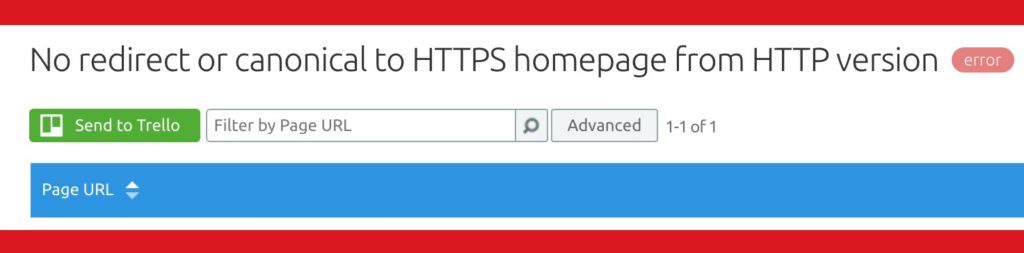
Here are the 2 scenarios in which you may have found yourself in, if you’re getting this SEMrush error:
- you actually haven’t added a 301 redirect to your .htaccess file to redirect HTTP to HTTPS
- you have added a redirect, but it isn’t a 301, and probably is a 302
Solving the problem will most likely lie in using the right code. Here is what I found that worked. Remember if you’re using WordPress, to add the following code snippet above # BEGIN WordPress, and make sure to change “domain” to your domain, and the .com to your TLD.
# BEGIN SSL

Options +FollowSymLinks
RewriteEngine On
RewriteCond %{HTTPS} !=on
RewriteCond %{HTTP_USER_AGENT} ^(.+)$
RewriteCond %{SERVER_NAME} ^domain\.com$
RewriteRule .* https://www.%{SERVER_NAME}%{REQUEST_URI} [R=301,L]
Header add Strict-Transport-Security "max-age=300"

# END SSL
Updated
Or an even more efficient block of code:
# BEGIN SSL

RewriteEngine On
RewriteCond %{HTTP_HOST} domain\.ca [NC]
RewriteCond %{SERVER_PORT} 80
RewriteRule ^(.*)$ https://www.domain.ca/$1 [R,L]

# END SSL
Save your changes, and run SEMrush’s site audit tool again and you should see that this particular error should disappear.
I’m giving a special thank you to SEMRush for their customer support and actually checking the site’s response code and sending it to me. They practically solved the problem. All I needed to do was find the right code.
Recent Articles
WooCommerce Script to Show Product Subcategory Thumbnails
As SEOs we want to take advantage of all the WooCommerce customization options available through custom coding so we can provide users with the best...
How To EASILY Track PDF Downloads & PDF Reads
Tracking PDF views in Google Analytics can involve an extremely complex setup using Google Tag Manager, but there is another easier way. To do this...
Leave a Reply